






Is your family’s photo album training AI? Here’s what parents need to know
Is your family’s photo album training AI? Here’s what parents need to know
Is your family’s photo album training AI? Here’s what parents need to know
 Gary Oberholzer
Is your family's photo album training AI? Here's what parents need to know
That school concert photo, rugby team picture or family holiday selfie you posted on Instagram could soon have a new audience — artificial intelligence.
Meta has launched Muse Image, its first in-house AI image generation model, allowing users to create new images using public Instagram profiles as visual references. By simply including the username of a public account in a prompt, Meta AI can generate images inspired by publicly available photos from that profile.
The feature currently applies automatically to public Instagram accounts belonging to adults, unless account owners actively choose to opt out. Private accounts and teen accounts are excluded from the feature.
Meta says account owners will not be notified if their public content is used as a reference, and the rollout has reignited debate around online privacy, consent and how AI companies make use of publicly shared content.
For parents, the concern may not be their children’s Instagram accounts, but rather the countless family moments shared through public adult profiles over the years.
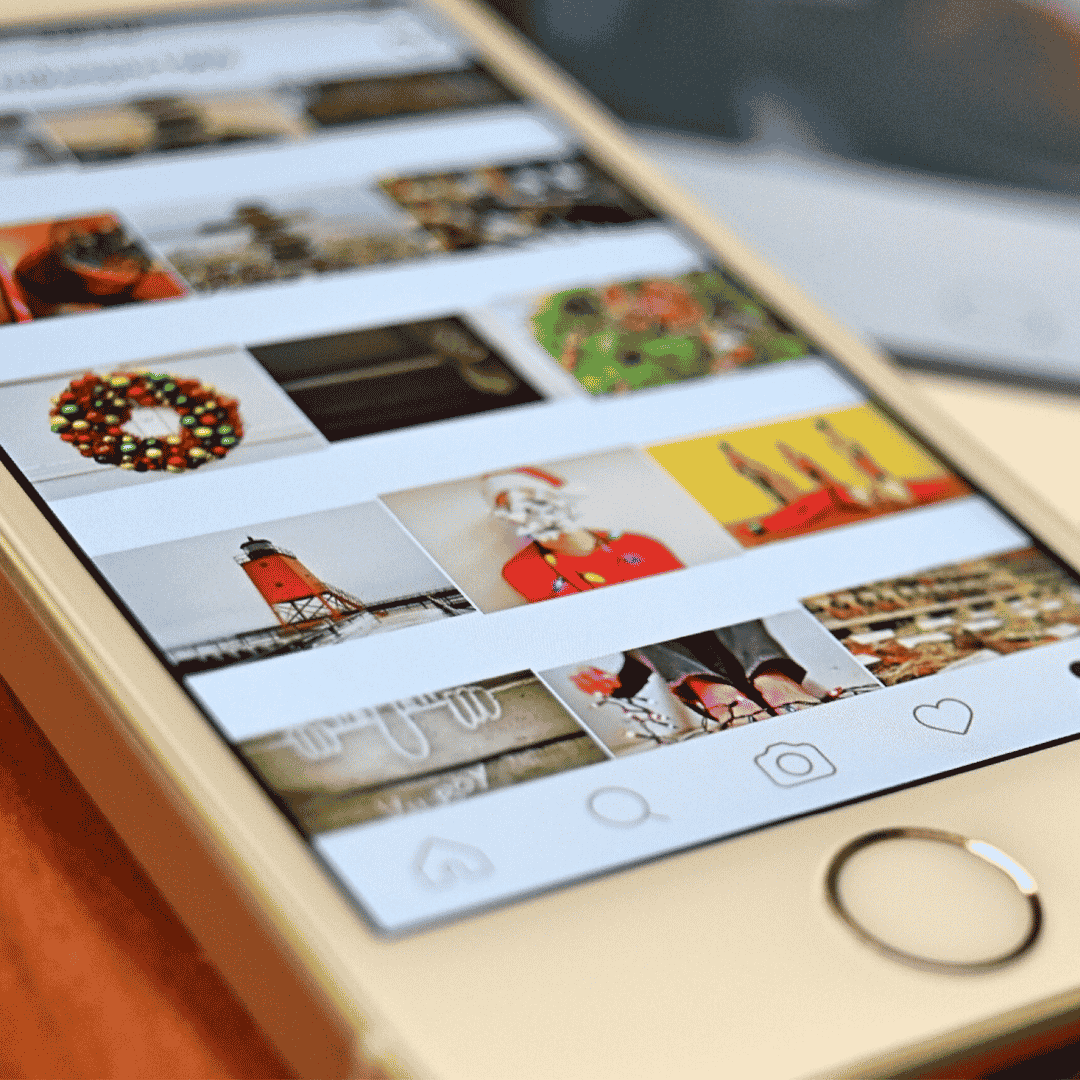
School events, birthdays, sports matches and holiday photographs featuring children are often posted publicly by parents, grandparents and relatives who may never have imagined those images being used by AI systems.
Privacy experts continue to recommend reviewing social media settings regularly and considering whether family photographs need to be publicly visible at all.
Fortunately, Instagram users who do not want their public content being used as a visual reference by Meta AI can opt out through the app’s settings.
How to change your settings
On iPhone and iPad
- Open Instagram.
- Tap your profile picture.
- Select the three-line menu in the top right corner.
- Open Settings and activity.
- Select Sharing and reuse.
- Disable the option allowing public content to be used by Meta AI.
On Android devices
- Open Instagram.
- Tap your profile picture.
- Select the three-line menu.
- Open Settings and activity.
- Tap Sharing and reuse.
- Turn off the Meta AI content usage setting.
The exact wording of the setting may vary slightly depending on your app version and region as Meta continues rolling out the feature globally.
It may only take a minute, but for parents wanting more control over where their family photos end up, it could be time well spent.
References
- Meta announcement: Introducing Muse Image
- WIRED: Meta Now Lets Anyone Use Your Instagram Photos in AI Images—Unless You Opt Out
- The Verge: Meta’s new Muse Image model can pull other Instagram users into AI photos
- Business Insider: How to stop people from using your Instagram posts with Meta’s AI
- Financial Times: Meta releases first image model since Zuckerberg’s AI overhaul

 Christa Eybers